Clean PowerPoint Template: Your Design Starting Point
We've all been there. It's 10 PM, you have a major presentation tomorrow, and you're staring at a blank PowerPoint slide. The default designs feel tired, and the thought of building something polished from scratch is exhausting. This is where a thoughtfully designed asset changes everything. A clean, versatile template isn't just about aesthetics; it's about removing friction from your creative process so you can focus on your message. It provides a sophisticated canvas that respects your content, whether you're a startup founder pitching investors, a teacher creating lesson materials, or a freelancer showcasing a portfolio.
Beyond the Blank Slide: A Foundation for Clarity
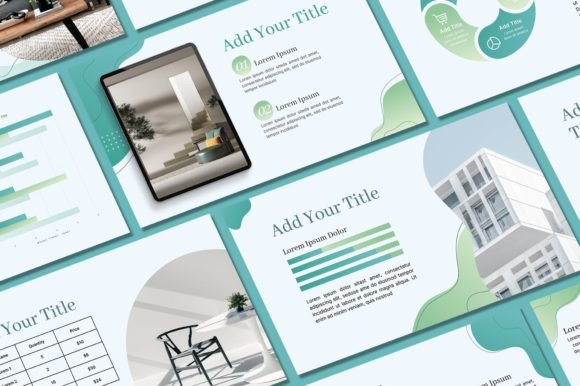
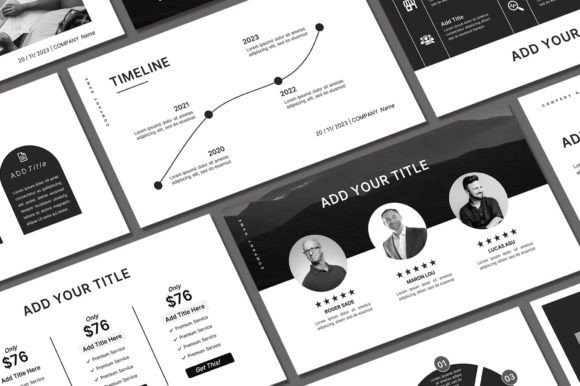
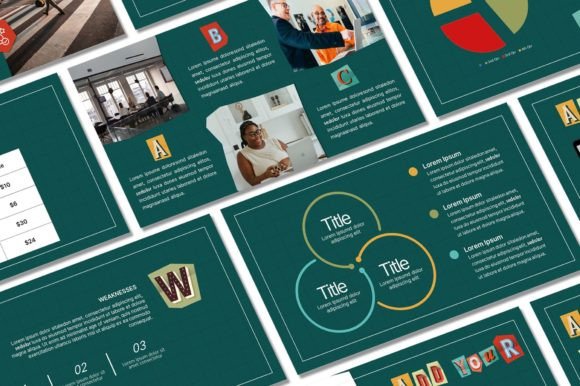
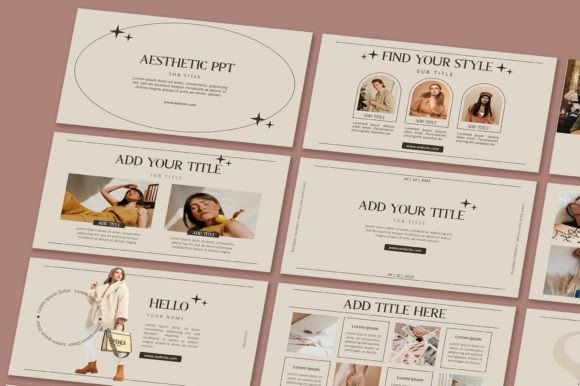
The core appeal of a well-crafted template lies in its ability to impose order without stifling creativity. A "clean" design philosophy prioritizes ample white space, harmonious typography, and a balanced layout. This isn't about being boring; it's about being effective. Visual clutter competes with your message for your audience's attention. By starting with a foundation that values clarity, you ensure your ideas take center stage. Think of it as a professionally organized workshop—every tool has its place, allowing you to build something remarkable with efficiency. This template offers that organized space, complete with 50 unique slides that cover everything from title pages to data visualization and team bios, all in a modern 16:9 aspect ratio.
Practical Applications: From Pitch Decks to Social Stories
The true value of a design asset is measured by its utility. This isn't a one-trick pony. Consider how a unified visual system can transform your projects:
- Brand Consistency for Small Businesses: Use the template to create a cohesive look for internal training decks, client proposals, and quarterly reports. Swapping in your brand colors and logo is simple, ensuring every touchpoint reinforces your identity.
- Content Creation & Marketing: Need to turn a blog post into a slide deck for LinkedIn? Or create a series of promotional graphics for Instagram? The editable slides are perfect for repurposing content. Export slides as images to create uniform social media graphics, infographics, or even simple website banners.
- Education & Nonprofits: Teachers can build engaging lesson plans, while nonprofit organizations can craft compelling grant applications or fundraising pitches that look professional and trustworthy.
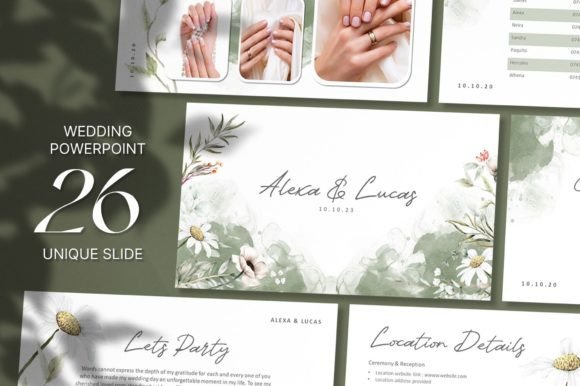
- Personal Projects: From designing a wedding slideshow to organizing a community event proposal, a clean template adds a layer of polish that makes any personal project feel more special and credible.
Maximizing Your Template: A Few Designer's Notes
Getting the most out of a template involves more than just changing the text. Here’s how to approach it like a pro:
Treat Typography with Intention. The included fonts are part of the design's personality. If you change them, do so thoughtfully. Stick to two complementary typefaces—one for headings, one for body text—to maintain hierarchy and readability. A bold sans-serif for titles paired with a clean, readable serif for paragraphs is a classic, professional combination.
Color is Your Brand's Voice. Use the background and text color editing features to align the template with your brand palette. Don't just pick your favorite colors; consider the psychology. Blues convey trust, greens suggest growth, and bold oranges can signal energy. Ensure there is sufficient contrast between text and background for accessibility and easy reading.
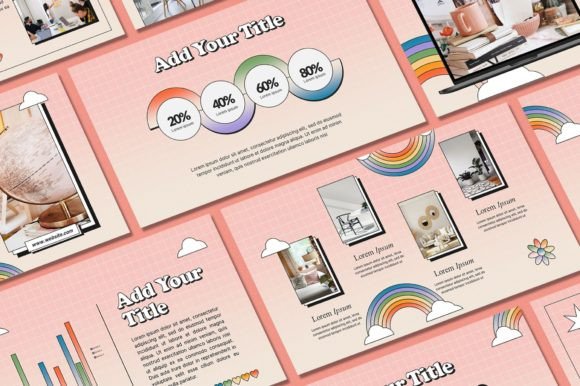
Curate Your Imagery. The included demo pictures are placeholders. Replace them with high-quality, relevant images that tell your story. Consistency in photo style (e.g., all illustrations, all candid shots, all minimalist product photos) will make your presentation feel cohesive and intentional.
Understanding What You're Working With
This particular template package is designed for ease and breadth. The 400+ free icons are a fantastic resource for illustrating concepts without relying solely on stock photos. They can break up text, highlight key points, and add visual interest to data-heavy slides. Remember, all graphics are editable, meaning you can change their color and size to match your vision. The process is straightforward: after purchase, you download a PDF with a direct link to the Google Drive file, install the specified fonts on your computer, and open the PowerPoint file to begin editing.
A Note on Licensing and Support
It's crucial to understand the terms of use. This template is licensed for personal use. This means you can use it for your own projects, presentations, and portfolios. However, you cannot resell the template itself or redistribute the original file. If you have questions about usage, the creator is available to help—a valuable resource for any user. For commercial projects where you're creating a final product for a client (like a sold PDF or a printed booklet), you would typically need to ensure all assets within it are cleared for that specific use. Always check the license details.
Ultimately, a resource like this is about empowerment. It removes a significant technical barrier, allowing you to present your ideas, your business, and your projects with the visual confidence they deserve. It’s a practical tool for anyone who communicates visually, saving time and elevating quality so you can get back to the work that truly matters.